If you've gone through the trouble of downloading a template, checking every p and q on your spreadsheet, only to have some or all of your records fail, you have the option to edit these records in order for them to upload successfully.
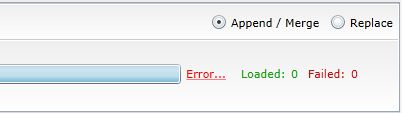
If your records evoked one error for all, the link "Error" will appear beside the status bar. Click on it.
An error message will appear, notifying you of the issue. Once you've processed the message, select "Collapse Upload"and edit your spreadsheet accordingly.
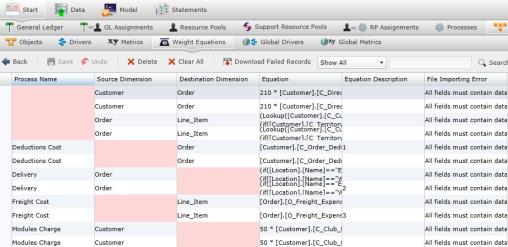
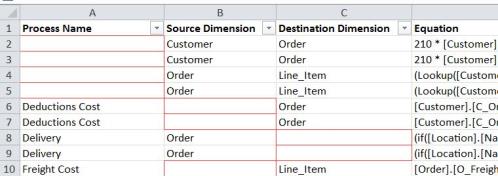
If you have multiple files with individual errors, you have two options:
When you have made corrections, select "Back." Save your changes. The records will fail again if the correct data was not added.
If you don't want to edit your failed records, select "Collapse All," and the failed records will disappear.
Related Topics: